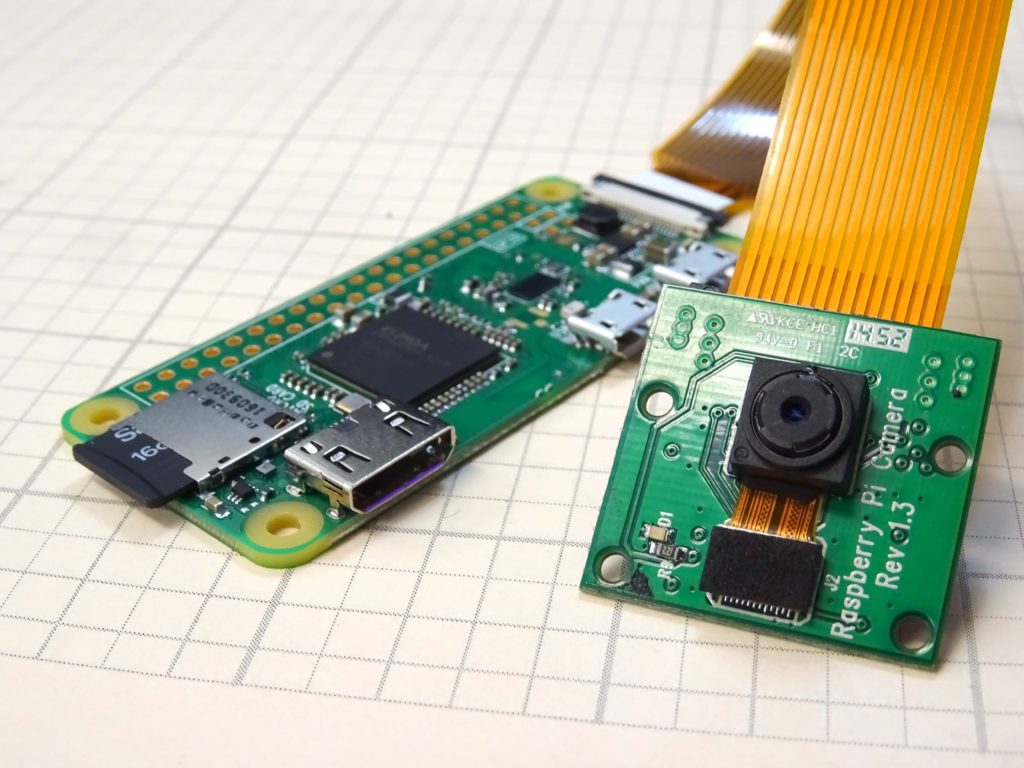
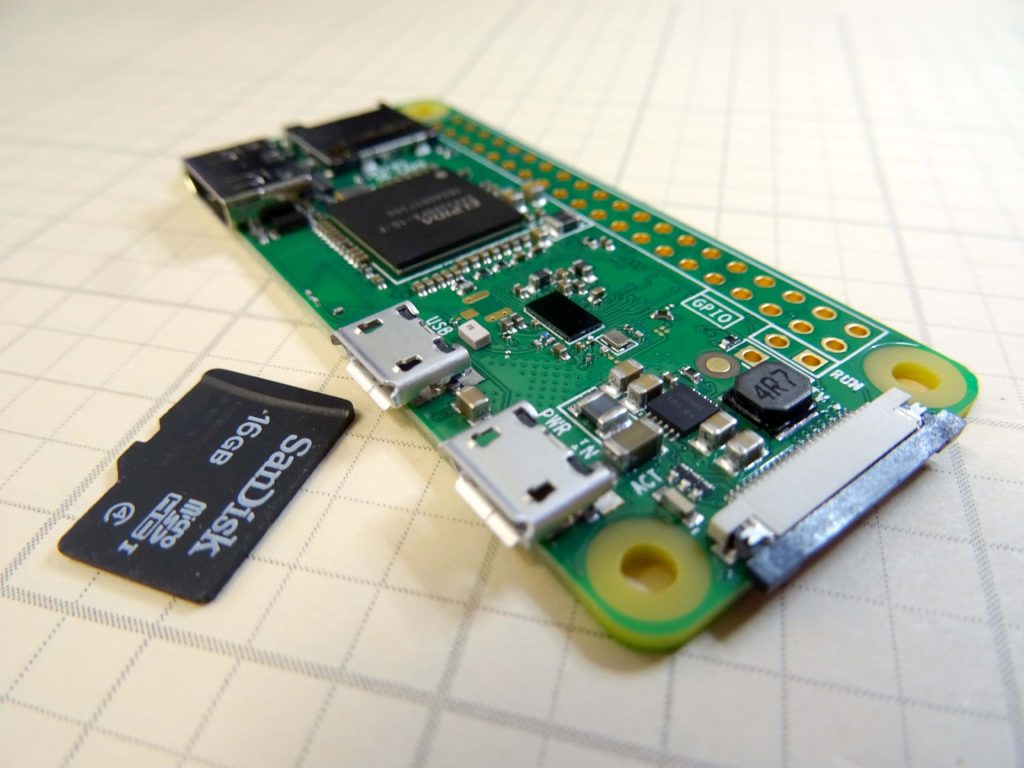
This is a super cool project where we build a concealable, portable, live streaming IP camera based on the Raspberry Pi Zero Model W, and the Raspberry Pi camera module. In order to do this lesson, you need to start with Lesson 1, where we show you how to get the IP address of your Pi zero, and how to get it booted. For this project, you need a Raspberry Pi Zero Model W. If you do not have one, you can get the ESSENTIAL HARDWARE HERE. In addition, you will need the Raspberry Pi Camera, which you can GET HERE. The Pi Zero needs a special Camera Cable, which you can get HERE.
That should be the equipment you need to this really fun project. When you are ready to go, the instructions are in the video below.
We are Excited to Get our Pi Zero Model W Up and Running
We have our Raspberry Pi Zero Model W booted up and running. Our interest is to run the device headless, but we must first discover our IP address. This lesson shows a simple tutorial on how to Boot the Pi Zero Model W, and get its IP address. Once you get the IP address, you will want to reserve that IP address for this device. You can do that through your wireless router, or if you are at work, talk to your Network Administrator. We plan to do a really cool project with this, so get your gear ordered now. The best deal we have found that has the two adapters you need can be ORDERED HERE.
This video takes you through setting up your Pi zero W step by step. Enjoy!
Thank you to everyone who tuned in to our broadcast of the launch of EAGLE-VI. We have gotten lots of questions and comments and so here is an update on the flight. The video gives more info, but bottom line is the Spot Gen GPS tracker provided one data point on re-entry, and then did not provide any other data. Hence we did not get the landing coordinates from the Spot Gen. We have used the Spot Gen on six flights, and will be doing a review on it soon.
Be sure to tune into the LiveStream of our Launch of Eagle VI. Things begin at 7:45 AM CST on March 8. Tune in live, and give us a shout out on the Live Stream!
There is a lot happening in the Maker Space! We have just watched two new major releases of embedded microprocessor platforms . . . the Raspberry Pi Zero Model W and the Onion Omega 2+. Both these platforms are impressive in that they both offer a small package with onboard WiFi for $10. This combination of features, price and size opens up a new world of possibilities for compact, portable projects.
After reviewing both of these platforms, we choose the Raspberry Pi Zero model W as the platform we will be pursuing at this point. The video above gives a head to head comparison of the two platforms, and the rational behind our decision.
Making The World a Better Place One High Tech Project at a Time. Enjoy!