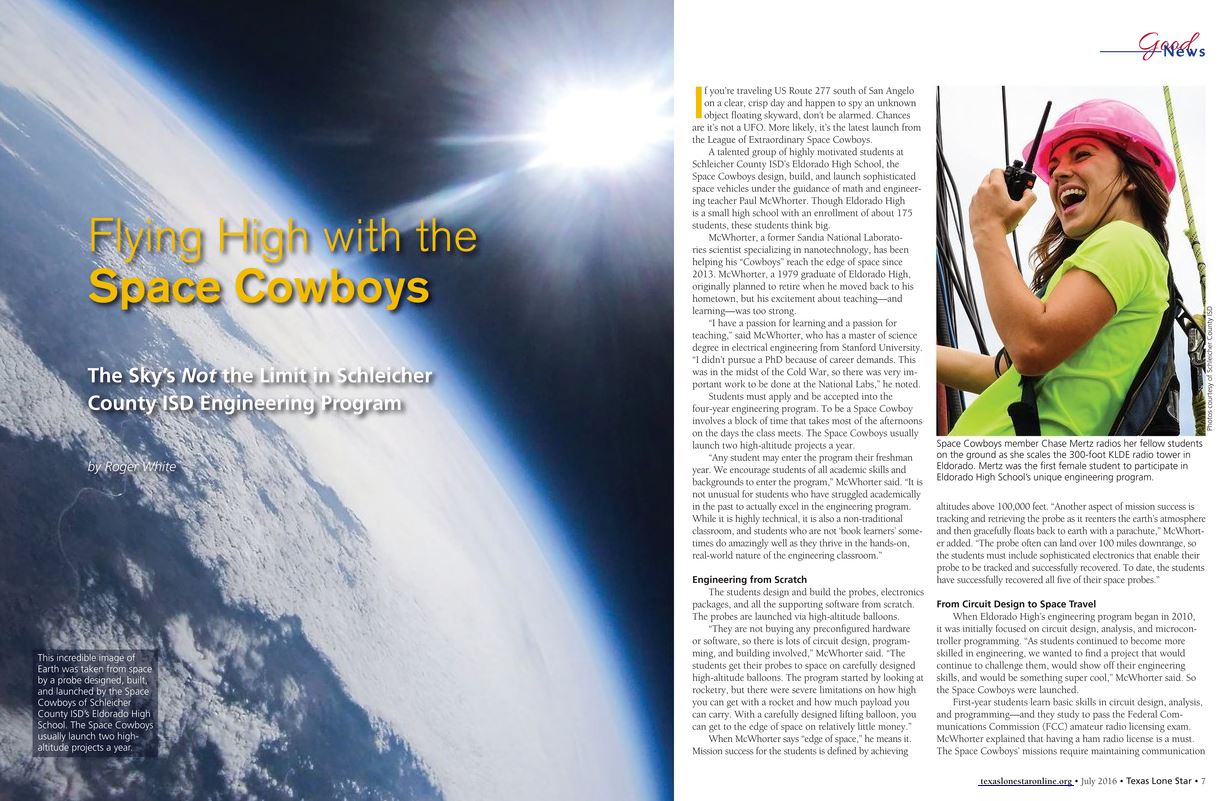
We have what we consider to be the Ultimate Raspberry Pi project . . . we send a Raspberry Pi instrument package to space, and telemeter live data back to earth, including live video over HAM radios. We do the telemetry with an innovative technique we call Ethernet over Ham, where we use the 2.39 GHz Ham band right below commercial WiFi.
We have had 5 successful launches, and are preparing for the launch of Eagle VI in Early February, 2017. Watch the video and see a live demonstration of our raspberry pi based system. Enjoy!
Public School teachers are under ever increasing pressure to have students perform well on mandated standardized tests. As such, many are taking short cuts to try and improve scores. One of the most devastating of these shortcuts is teaching students how to use a calculator to solve math functions. With this, students are being taught calculators, and not being taught math. Watch the video, and let me know your thoughts.
I teach High School math and see these same common math mistakes made over and over. Watch this video to avoid these common math mistakes, and improve your math proficiency. Let me know your thoughts!
Space Cowboys Featured in Texas Lone Star Magazine
We are pleased to announce that our Eldorado Space Cowboys were featured in a nice article in the Texas Lone Star Magazine. These students have worked hard, and it was great to see their accomplishments regognized in such a prestigious magazine. See the full article HERE.
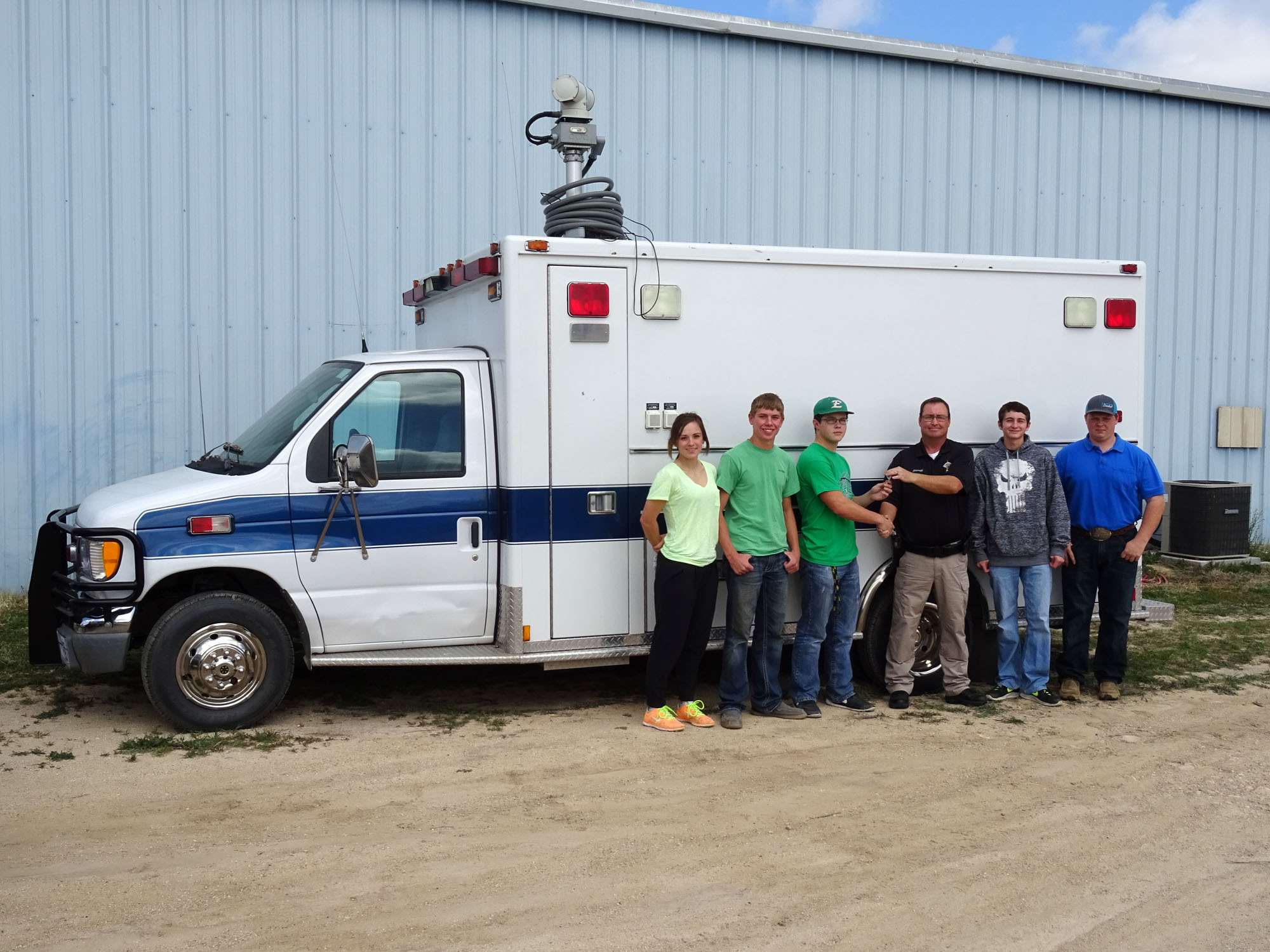
Sheriff David Doran Presents the Space Cowboys with the Keys to their new Chase Vehicle
The Eldorado Space Cowboys scored a major Coup last week when they acquired a new chase vehicle for their space program. In the past, the students chased and recovered their probes using a school suburban. Since these vehicles are multi-use, they had to install any equipment the day before launch, and then remove it the day after launch. This greatly reduced the amount of high tech gear that could be incorporated into chase and recovery operations.
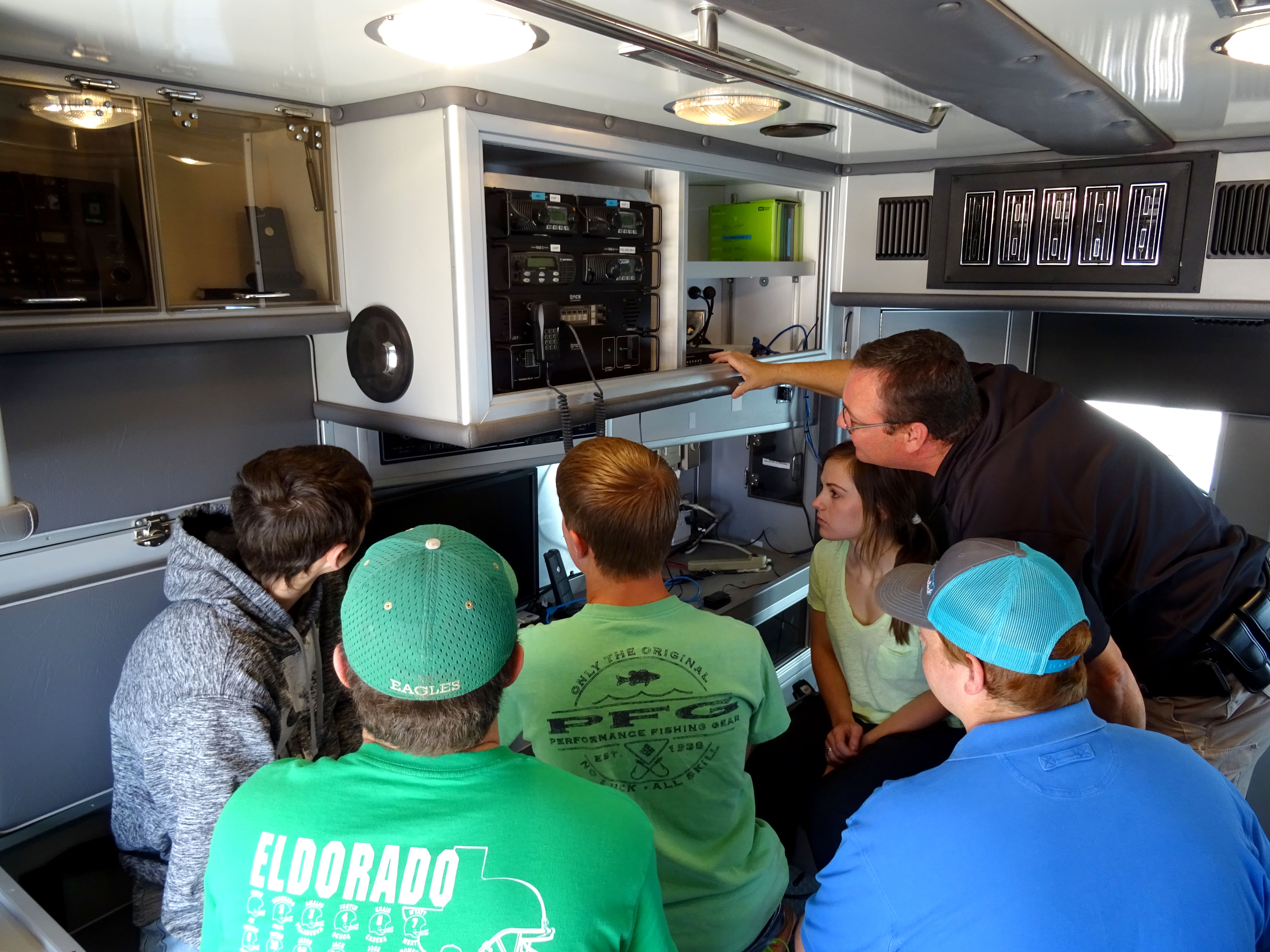
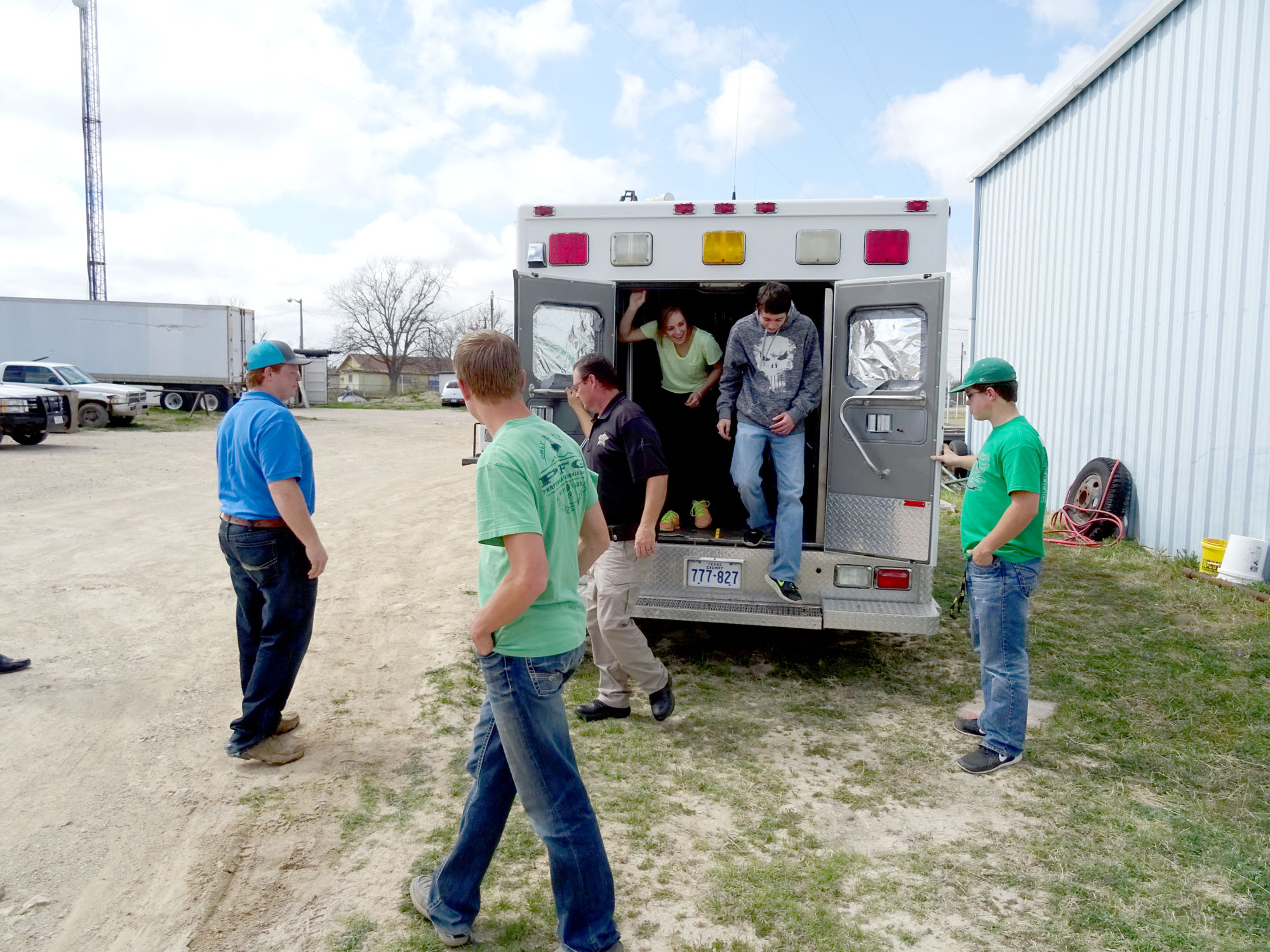
This will no longer be an issue, as Schleicher County Sheriff David Doran has provided the team with their very own chase vehicle. The vehicle formerly served as the Schleicher County Command and Control Center, so it is already decked out with high tech surveillance and communication gear. The Space Cowboys will now equip the vehicle with equipment that will allow the team to track the space probe in flight from the back of the vehicle, and will allow communication back to Mission Control via 2M, 40M and 80M HAM radios.
Acquiring this vehicle will allow the Space Cowboys to take their Space Program to the next level. You can follow the Space Cowboy’s work at their FACEBOOK PAGE
Sheriff David Doran Explains the use of emergency and law enforcement communication gear to the Space CowboysStudents prepare to retrofit the HAMbulance with HAM gear
Making The World a Better Place One High Tech Project at a Time. Enjoy!
We use cookies to ensure that we give you the best experience on our website. If you continue to use this site we will assume that you are happy with it.Ok